

AviPLAN
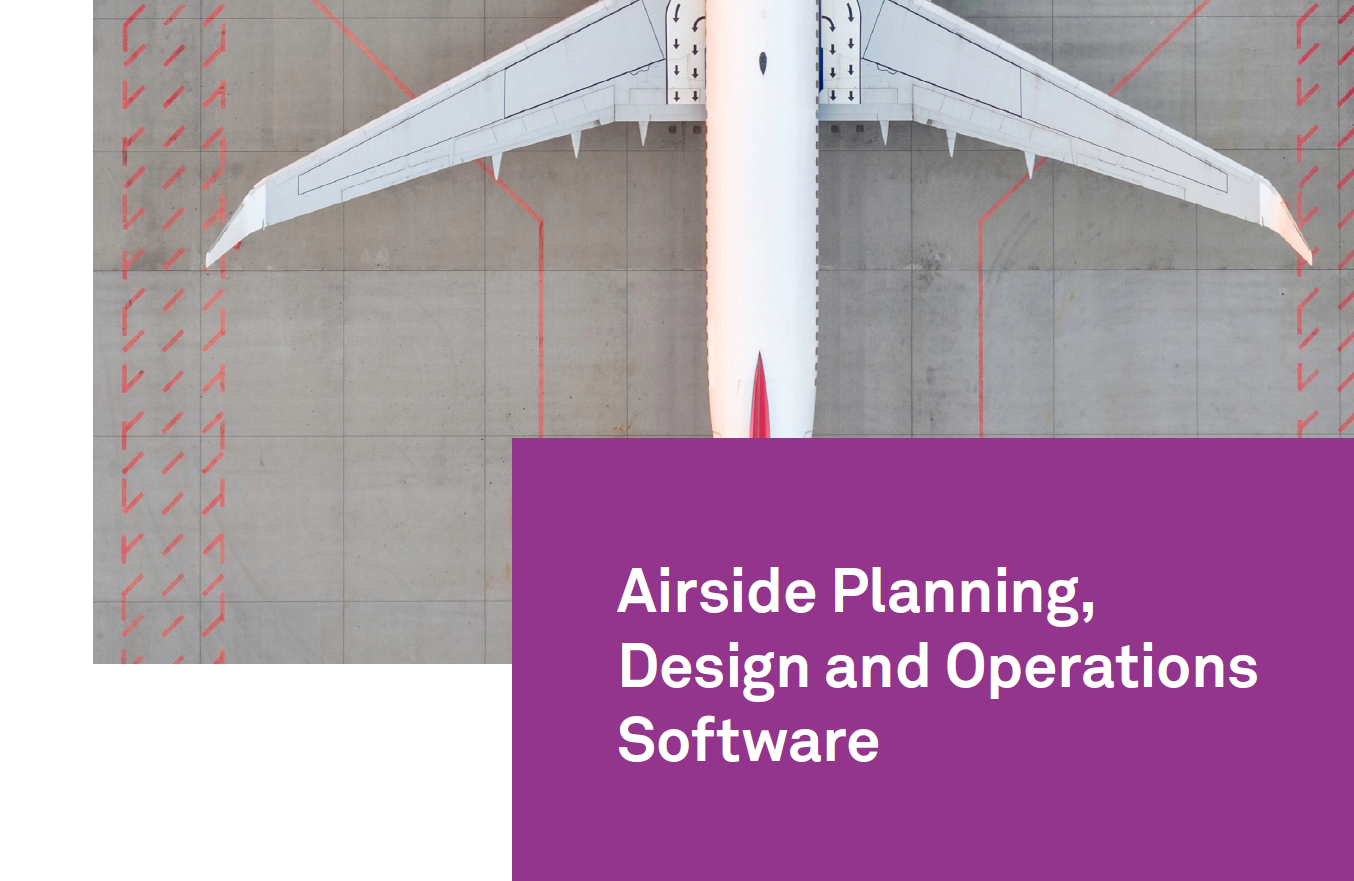
This brochure introduces AviPLAN®, a CAD-based airside planning, design, and operations software suite used by airport designers, planners, and operators worldwide to create safe, accurate, regulation-compliant airside layouts. Positioned as a complete solution for both near-term operational changes and long-range master planning, AviPLAN supports tasks such as revising apron layouts, designing taxiways and fillets, creating complex stands (including multiple boarding bridges), and producing detailed nose-gear or cockpit ground markings. It also enables engineering and operational studies including safety clearances, jet blast impacts, and operational efficiency assessments.
The brochure explains that AviPLAN is offered in four product tiers, allowing organizations to select the functionality that matches airport size and complexity—from major international, multi-fleet hubs to regional airports. All versions include an extensive library of passenger, cargo, military aircraft, helicopters, and ground support vehicles, modeled using manufacturer specifications (with the ability to create custom vehicles). The Airside and Airside Pro versions additionally include a library of passenger boarding bridges for contact and remote stand design.
Product lineup highlighted
- AviPLAN Turn: Focused on aircraft and ground vehicle maneuver simulation in a 2D CAD environment, including swept paths, engine intake areas, safety clearances, jet blast contours, and pushback analysis while accounting for speed and steering variations.
- AviPLAN Airside: Adds stand/parking position planning to Turn’s maneuvering capabilities, including 2D boarding bridge modeling with configurable constraints (rotation, slope, limits, etc.).
- AviPLAN Airside Pro: The most comprehensive package—includes advanced airside and stand design such as taxiway intersections, detailed centerline/lead-in markings, MARS stands, automatic stop line creation, aircraft positioning and parking optimization, conflict detection, and definition of apron services (e.g., fuel pits, 400 Hz, conditioned air). Includes 3D visualization and animations for presentations.
- AviPLAN Turn Pro: Extends Turn with taxiway fillet design, detailed markings generation, simultaneous multi-aircraft simulations, plus 3D clearance review and advanced animations.
Key benefits emphasized
AviPLAN is presented as a tool to save design time by overlaying simulations directly onto existing CAD drawings and automatically following defined ground markings. It helps users see critical safety and performance details—gear and cockpit paths, wingtip/engine envelopes, clearance margins, and jet blast velocity/impact areas—while incorporating ICAO, FAA, and EASA guidance. The brochure underscores accuracy and trust, citing validated algorithms and up-to-date manufacturer data (noting that manufacturers also use AviPLAN to test equipment capabilities). It also highlights the ability to produce reports and stakeholder-ready outputs, including CAD text blocks and Word/Excel reports, and—on Pro versions—2D/3D movie-style presentations.
Core capabilities
Across the suite, AviPLAN supports: selecting aircraft/vehicle models from a robust library, simulating realistic aircraft and vehicle maneuvers (including extreme turns and reverse movements), analyzing pushback procedures (towbarless or tractor/towbar), visualizing jet blast, and planning efficient turnaround servicing through vehicle staging and stand design.
The brochure closes with Transoft Solutions contact details and notes that AviPLAN is compatible with major CAD platforms including AutoCAD, Civil 3D, MicroStation, OpenRoads Designer, and BricsCAD (64-bit), with system requirements available via QR code/support pages.